How to Choose a POS System for Your Shop or Restaurant in Dubai
Ten things to check before you buy, from UAE VAT invoices to offline selling and real cost.
The signs you’ve outgrown chats and spreadsheets, how the WhatsApp Business app and API differ, and a simple plan for moving your team to a CRM.
Most Dubai businesses start selling the same way: a WhatsApp number, a shared Excel sheet and a lot of memory. It works well at first. Then the team grows, enquiries come in from Instagram, the website and phone calls at the same time, and leads start slipping through the cracks.
This guide explains when WhatsApp and Excel stop being enough, what a CRM actually changes, and what to look for if your customers mainly talk to you on WhatsApp.
If three or more of these sound familiar, the problem is no longer effort. It is the tools.
A CRM (customer relationship management system) keeps every customer, conversation and deal in one shared place that belongs to the company. In practice that means:
This is the question we hear most from teams in Deira and across Dubai. The WhatsApp Business app is designed for a phone and suits a single owner. The WhatsApp Business Platform (API) is Meta’s official route for business software. Connected to a CRM, it gives your whole team one shared inbox on your business number, message templates, automatic notifications and a full history inside each customer record.
Two rules are worth knowing before you switch. Businesses can reply freely within 24 hours of a customer’s last message; after that, messages must use templates approved by Meta. And customers should have agreed to hear from you. A CRM built for WhatsApp manages both for you.
Check that the WhatsApp inbox, templates and notifications live inside the CRM, linked to each customer, rather than in a separate tool.
Your team and your customers may switch between Arabic and English several times a day. The CRM should handle both in records, messages and the interface.
Leads also arrive by email, Instagram and other social channels. Being able to run email campaigns and see social results next to sales data saves switching between apps.
Not everyone should see every customer or export the whole database. Look for role-based permissions, encrypted credentials and clear answers about where data is stored. Customer data is personal data, and the UAE’s Personal Data Protection Law (Federal Decree-Law No. 45 of 2021) makes handling it carefully more than good manners.
Reminders, status updates and first-draft replies can be automated, so your team spends its time on the conversations that close deals. Make sure people can review AI-written text before it goes out.
Ask who sets up the workspace, connects your WhatsApp number and trains the team, and how you get help afterwards.
For one person handling a few chats, often yes. Once several people need to answer the same number, see each other’s conversations and track leads, a CRM connected to the WhatsApp Business Platform (API) is easier to manage.
The app runs on a phone for small businesses. The WhatsApp Business Platform (API) is Meta’s official way for software such as a CRM to send and receive messages for a business number, so a whole team can work from one shared inbox with templates and automation.
Not freely. WhatsApp lets businesses reply to a customer within a 24-hour window after the customer’s last message. Outside that window, you need a message template approved by Meta. A good CRM handles this for you.
For a small team, the first working version can be ready quickly once contacts are cleaned up and the sales stages are agreed. Plan time for training so everyone actually uses it.
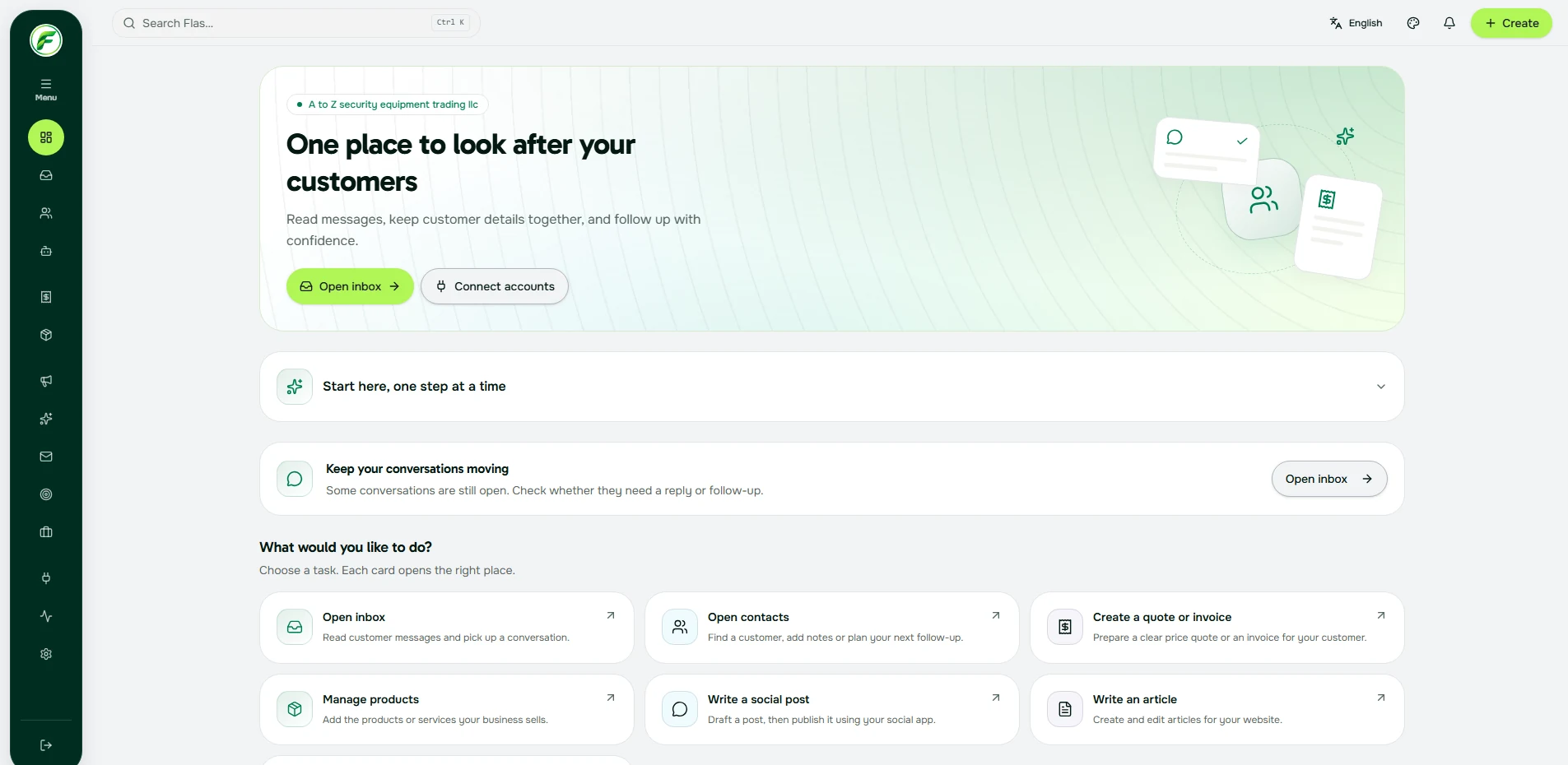
FLAS CRM was built for businesses that sell on WhatsApp. It combines a shared WhatsApp Business inbox with templates and notifications, a leads and sales pipeline, email campaigns, AI-assisted replies, workflow automation and role-based security, in Arabic and English. Our Deira team sets up the workspace, connects your channels and trains your staff. See the features and book a demo, or read the FLAS CRM case study.
Keep reading
Ten things to check before you buy, from UAE VAT invoices to offline selling and real cost.
A practical plan for choosing platforms, planning content and measuring results in the UAE.
What to check, and what to ask, before you hire a marketing agency.
Ready to bring every WhatsApp lead into one CRM for your team?