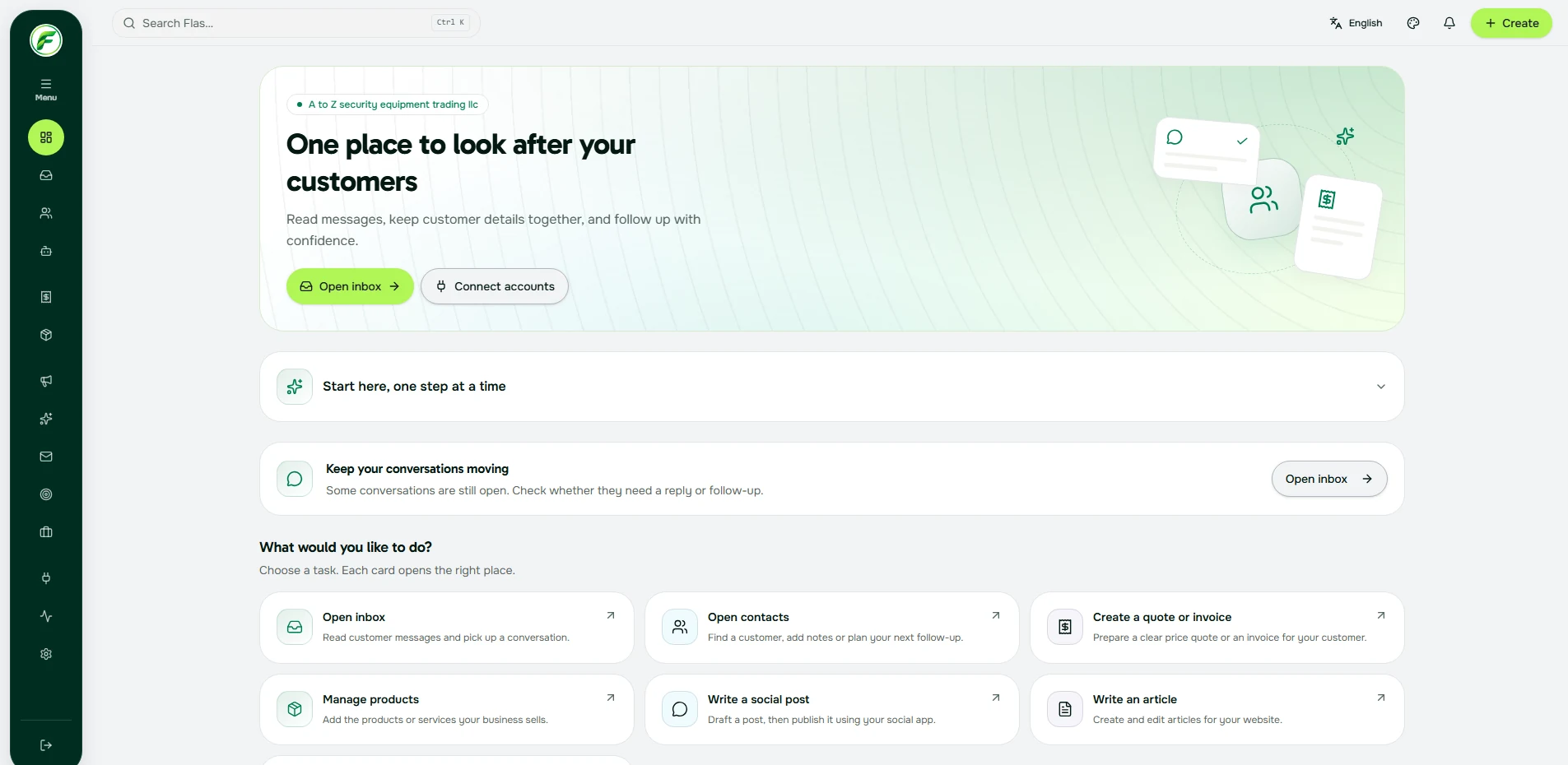
WhatsApp, Excel or a CRM? When Dubai Businesses Should Switch
The signs you’ve outgrown chats and spreadsheets, and what to look for in a CRM built for WhatsApp.
Ten things to check before you buy, from UAE VAT invoices and Arabic receipts to offline selling, hardware and the real three-year cost, plus the questions to ask in a demo.
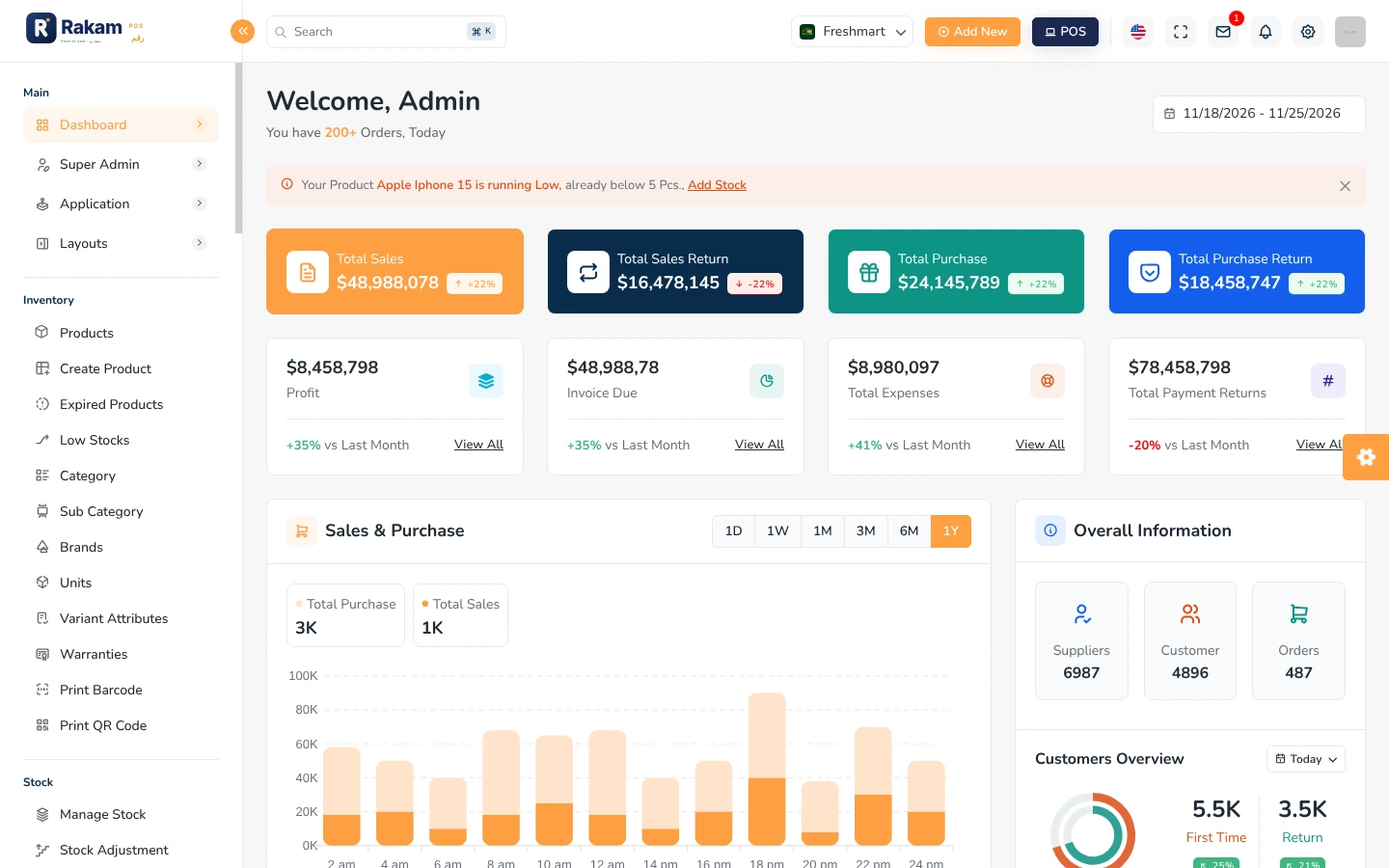
A point of sale system is no longer just a cash register. For a shop or restaurant in Dubai it is where every sale is recorded, every VAT invoice is printed, stock is counted and the owner finds out how the day went. Picking the wrong one costs money twice: once when you buy it, and again every day it slows your counter down.
This guide walks through what to check before you choose a POS in Dubai, based on the questions shop and restaurant owners in Deira ask us most.
If your business is VAT-registered, the standard rate in the UAE is 5%, and your receipts need to work as proper tax invoices. At minimum, check that the POS:
Rules can differ by business type, so confirm the exact invoice format with your accountant, then ask the POS provider to show you a sample receipt that matches it. Our UAE VAT invoice guide lists every detail a tax invoice should show.
Customers in Deira read Arabic, English, Urdu, Hindi, Malayalam and more. At the very least, your receipts should be clear in Arabic and English, and your staff should be able to use the screen in the language they work best in. Test it with a real receipt, not a screenshot: Arabic text should print joined and right to left, not as broken letters.
A cloud-only POS that freezes when the connection drops will lose you sales at the worst moment, often on the busiest evening of the week. Look for offline mode: the till keeps working, sales are saved on the device, and everything syncs once the line is back.
Ask which receipt printers, barcode scanners, cash drawers and touch screens the system supports. A good provider checks your existing equipment and connects it, rather than insisting you buy a new set. If you are opening a new outlet, ask for a recommended hardware list instead of a bundle you can’t compare.
For groceries, mobile shops, perfume stores and general trading, stock is where the money is. The POS should update stock with every sale, warn you before items run out, handle purchase entries from suppliers and track more than one storage location if you have a warehouse.
Cafeterias, restaurants and juice shops need more than a product grid. Check for table management, a kitchen display or kitchen printer for orders, and modifiers such as size, extras and “no onions”, so the kitchen gets the order exactly as the customer asked.
If you have, or plan to open, a second outlet, choose a POS that shows every branch in one dashboard with separate stock, staff and sales for each. Staff roles matter too: a cashier should not be able to delete invoices or change prices.
Daily sales, best sellers, slow movers, staff performance and a clean day-end cash check are the reports most owners use. Ask to see them on a phone, because that is where you will look at them.
When a printer stops on a Friday night, a support ticket answered two days later is no help. Ask how support works: WhatsApp, remote sessions, on-site visits, and who sets up the system and trains your staff on day one.
POS systems are sold as monthly subscriptions or one-time licences. Add up everything over three years: software, support, updates, cloud backup, extra tills and extra branches. The cheapest first quote is often not the cheapest system.
For VAT-registered businesses, the POS should produce a tax invoice that shows your business name, your Tax Registration Number (TRN), the date, the items sold and the VAT charged. Ask your accountant which invoice format applies to your sales.
If a dropped connection would stop your till, yes. A POS with offline mode keeps recording sales and syncs them when the internet returns, so you never turn customers away.
A subscription usually includes updates, support and cloud backup, and costs less upfront. A one-time licence can cost less over many years but may charge separately for support and upgrades. Compare the total cost over three years.
Often, yes. Most POS systems work with standard thermal printers, barcode scanners and cash drawers. Give the provider your model numbers and ask them to confirm before you subscribe.
We built RaqamPOS around this checklist: UAE VAT tax invoices with your TRN, Arabic and English receipts, offline selling, stock and multi-branch control, and a restaurant mode with tables and a kitchen display. Our team in Deira sets it up, connects your existing hardware, trains your staff and supports you on WhatsApp, UltraViewer or in person. See the features and book a demo, or read how it was built in the RaqamPOS case study.
Keep reading
The signs you’ve outgrown chats and spreadsheets, and what to look for in a CRM built for WhatsApp.
How to get a fast site that wins customers without stretching a small budget.
What a capable agency does for a Dubai business and the questions to ask before signing.
Want to see a POS that ticks every box at your counter in Deira?